Write in Markdown
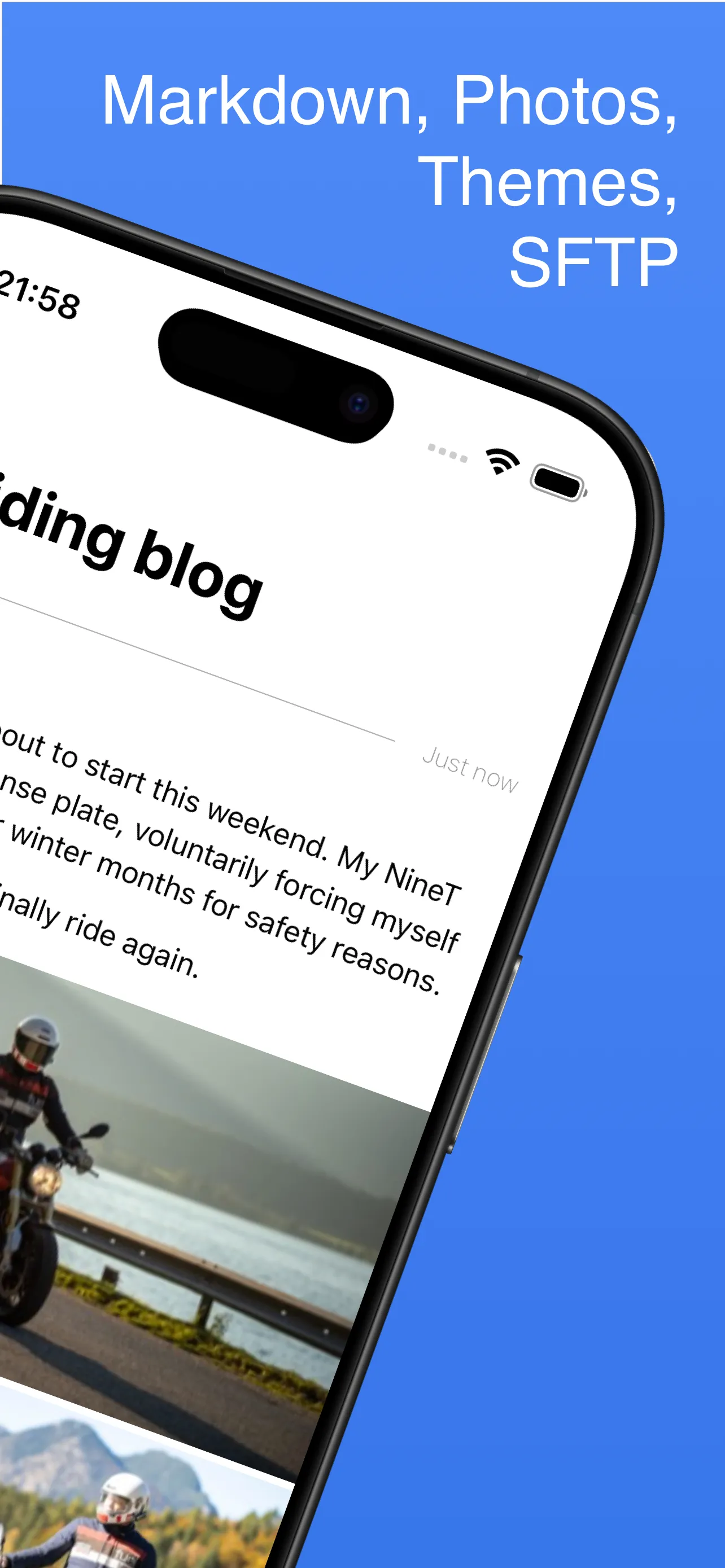
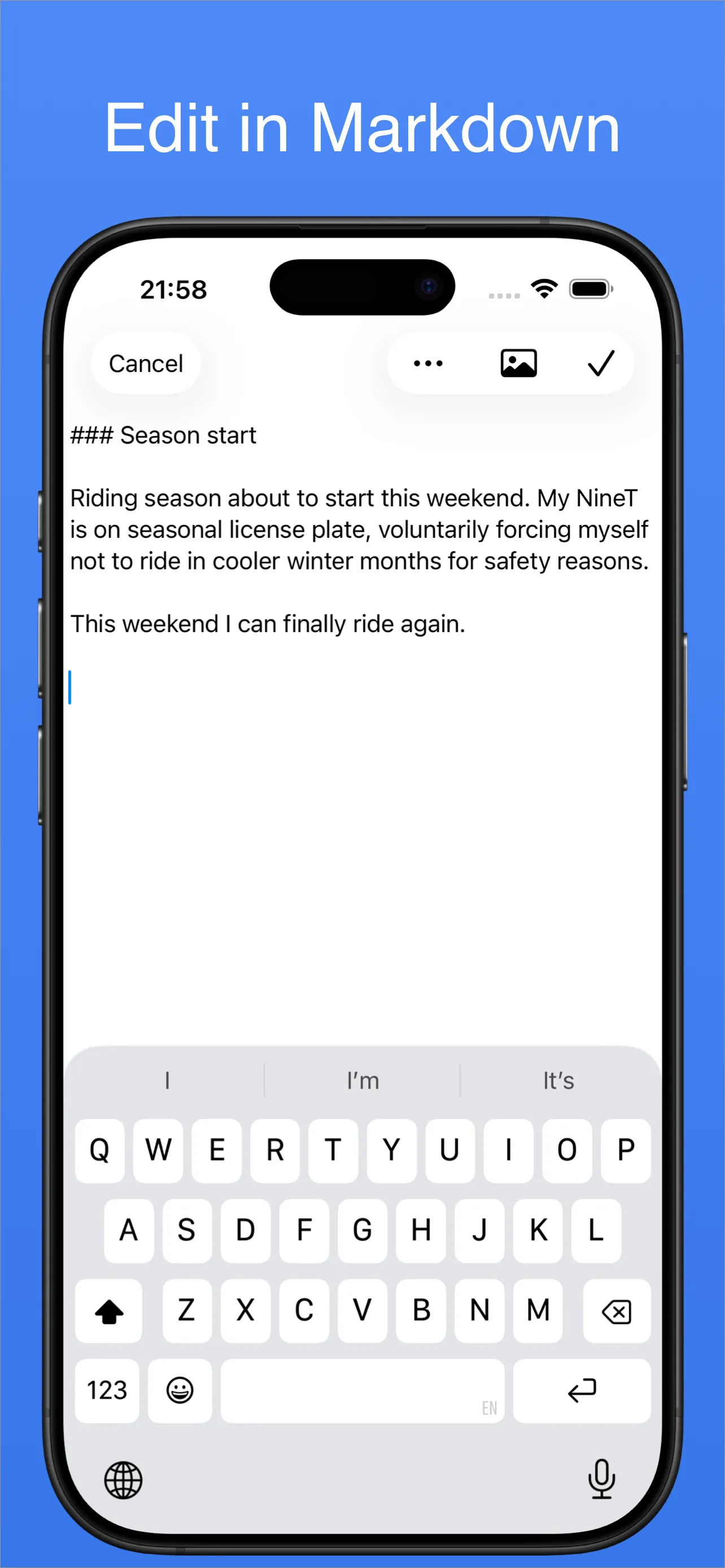
Simple, clean, distraction-free writing. Headings, links, lists and photos — all in plain Markdown.

Static turns your iPhone into a blog publishing studio. Write in Markdown, add photos, and the app generates your site and uploads it straight to your own web host over SFTP. No server-side software needed.
 Free download · iPhone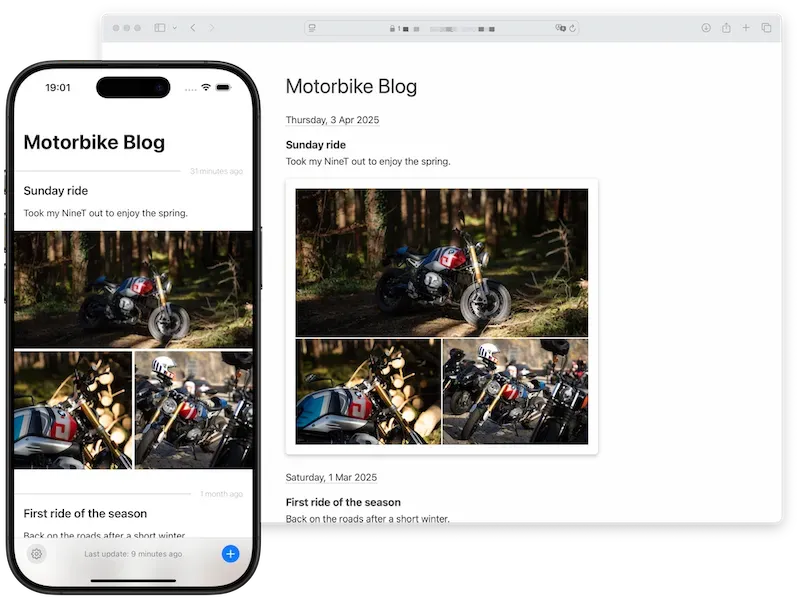
If you have a hosting plan, you have everything you need. Set up the SFTP upload once — then just write and publish.
A clean, distraction-free editor. Add photos from your library, write a one-line note or a long-form post — whatever the day calls for.
Static builds fast, beautiful web pages right on your iPhone. No build server, no CI pipeline, no server-side app.
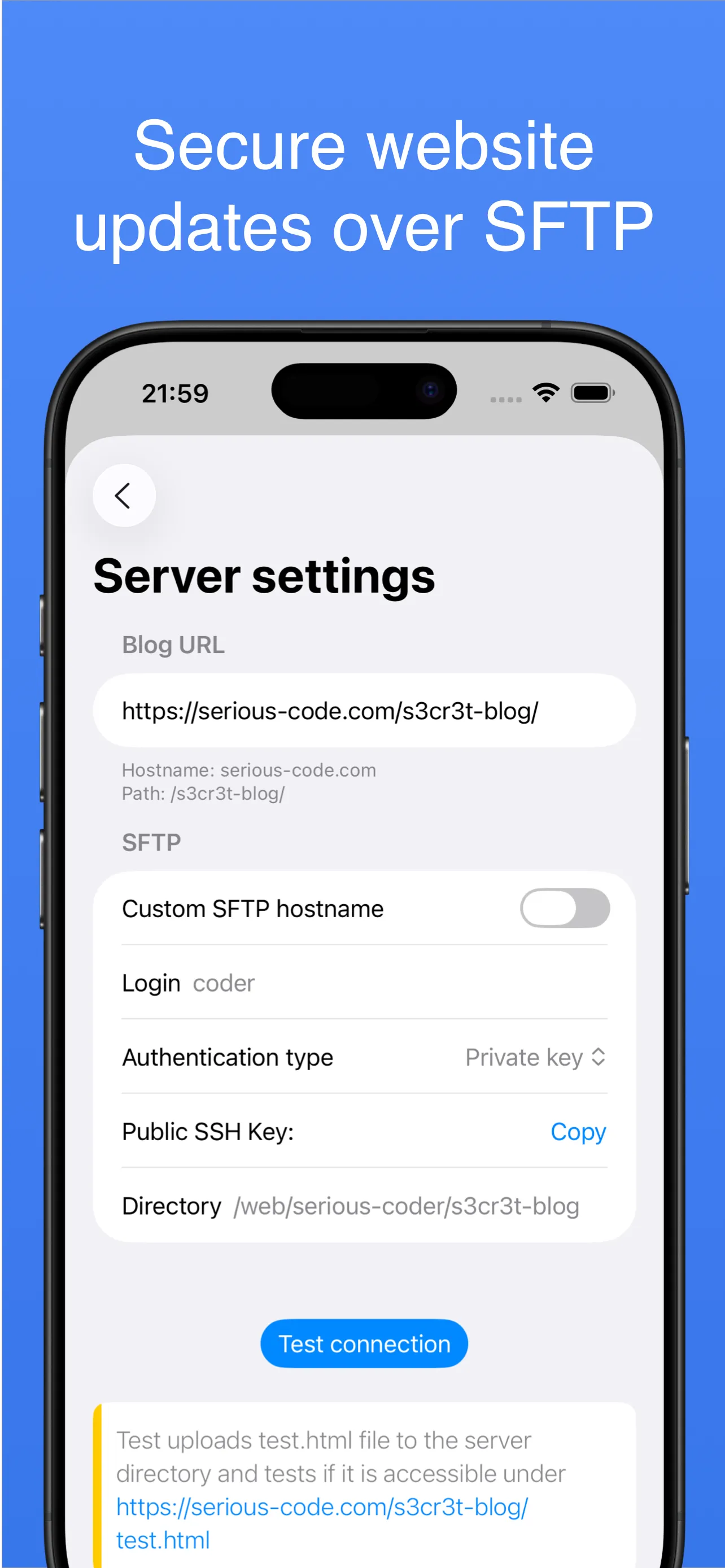
The generated files go straight to your web host over an encrypted SFTP connection. Your blog is live at your own address.
Static combines a Markdown editor, a static site generator and a secure SFTP client in one iPhone app.
Simple, clean, distraction-free writing. Headings, links, lists and photos — all in plain Markdown.
Pull images straight from your photo library. Static lays them out as single shots or grouped galleries.
Encrypted transfer to your host, with password or SSH private-key authentication. Test the connection before you commit to anything.
Pick from the built-in themes or bring your own, so the published pages look the way you want them to.
Posts, photos, and keys live on your iPhone. Nothing is stored on our servers, and the app collects no data about you.
Create and edit posts as long as you want. Activate uploading with a one-time purchase or subscription when ready.
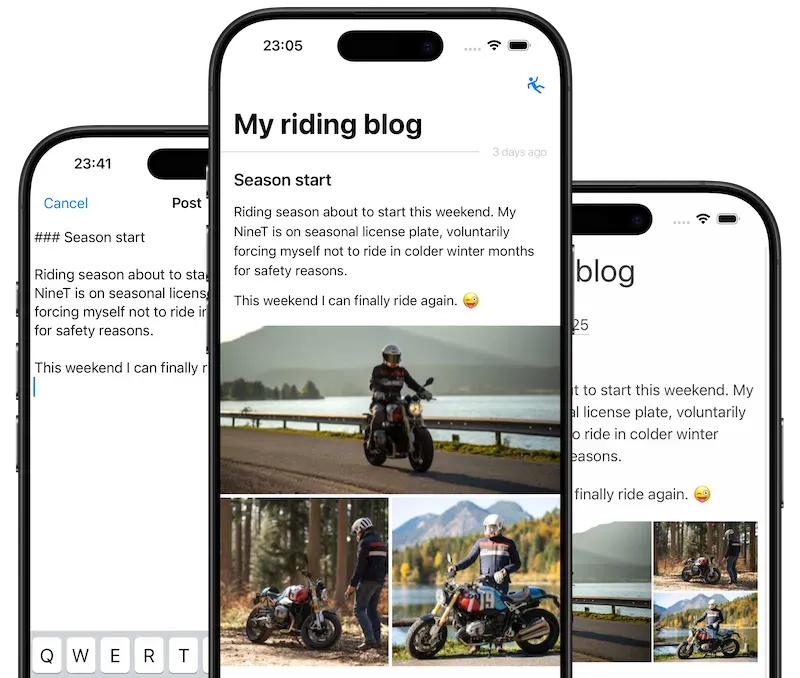
From the first draft to a published page — all on your iPhone.

Yes. Static uploads your blog to a server you choose — any typical web hosting plan with SFTP access works. There is no server-side application to install; a plain webserver is enough.
Static is free to download, and you can create and edit posts on your iPhone as long as you want. A one-time purchase or subscription activates uploading to your website. Set up and test your SFTP connection before you buy.
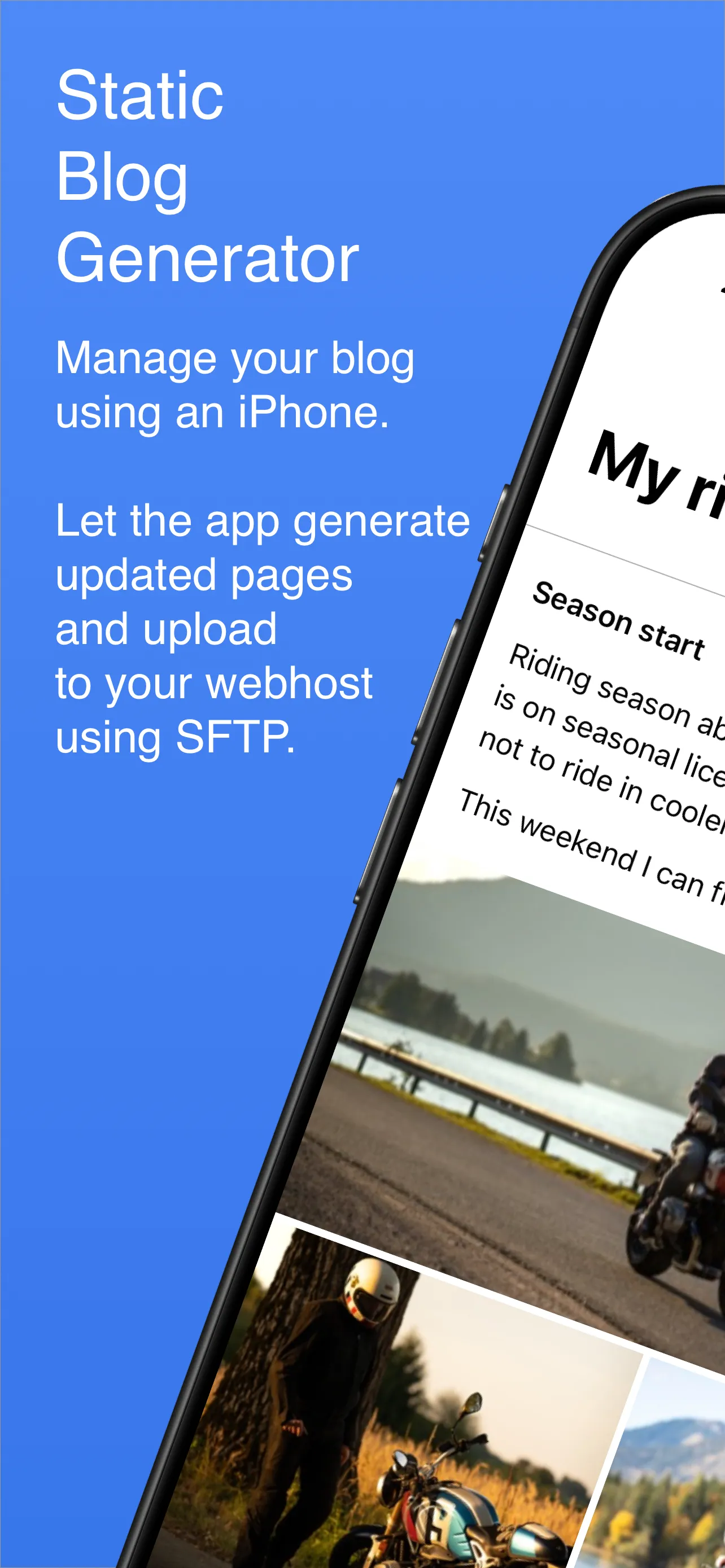
As you add or edit posts, Static generates the web files right on your iPhone and uploads them to your web host over SFTP — securely, with password or private-key authentication.
Sharing photos, short microblogging updates and typical long-form blog posts — anything you want on your own site, written and published from your pocket.
Yes, though still in early stage. Static supports custom themes, so you can restyle your site without touching the publishing workflow.
Download Static for free and start writing today — publish the moment you're ready.